QR, NFC, and Beacon Services

QR codes, NFC tags, and beacons for processes free of data entry errors

Moving a process from paper to a form is already a step forward, but it remains prone to errors when selecting options and transcribing data. With QR codes, NFC tags, and beacons, data is scanned—not typed. The service is available on the Microsoft Marketplace as a QR code generation service.

The problem

The data entered is the data that is incorrect

Every time a person transcribes a serial number, selects an option from a list, or copies a code, the process is prone to error. A digital form reduces paper use, but it doesn’t eliminate manual data entry. Reading data from a QR code, an NFC tag, or a beacon does eliminate it.

Uses

Where QR Codes, NFC, and Beacons Are Used in a Business

Seven uses grouped into four areas of focus.

Assets and Inventory

Tagging assets with QR codes or NFC to track inventory in real time and verify each piece of equipment using a phone.

Self-Service and Customer Service

Self-service at branches and offices, citizen services via QR codes at public agencies, and point-of-sale campaign activation.

Field Work

Identification of industrial equipment in the field and tracking of crews based on proximity using beacons.

Documents

Document validation using authenticatable QR codes to verify that a document is genuine.

What’s included

What’s Included in the Service

Database Design

The structure that stores each record and links it to the asset, person, or transaction.

User Interfaces

Forms and screens that are populated with the data read, in Spanish and English.

Data and Communications Encryption

Information is transmitted and stored in encrypted form.

Access Control

Each user can view and modify only what their role allows.

How We Got Started

From the First Reading to the Full Operation

01

Diagnosis

We map out the process and the data currently being entered and quantify the cost of errors.

02

Pilot

A pilot with scope, duration, and success metrics agreed upon before launch.

03

Implementation

We extend the tags, forms, and integrations to the rest of the operation.

04

Re-measurement

We measure again against the baseline established at diagnosis.

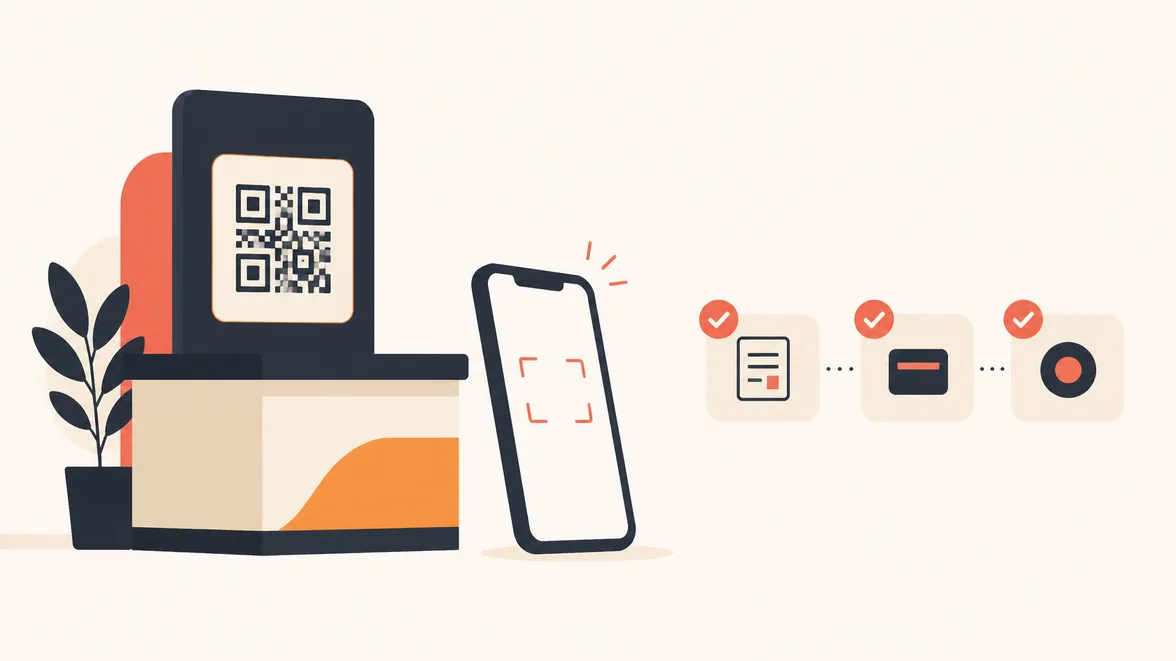
Self-service kiosk with a QR code scanned from a phone

Self-service

Less manual data entry, more reliable data

At a branch or office, the customer scans a QR code with their phone and completes the process without anyone having to enter their information manually. The staff handles cases that truly require human intervention.

Processes without manual data entry

Data is read, not transcribed

Service in Spanish and English

Frequently Asked Questions

Questions About QR Codes, NFC, and Beacons

Switch from Paper to Scanning with a Pilot Program

Replace manual data entry with data captured via QR codes and NFC. Start with a pilot program for signed metrics.

Shopping Cart
Scroll to Top